
Promotions are one of the most effective ways to increase sales, attract new customers, and bring back users who leave before completing checkout. For WHMCS-based businesses, promo codes are already a familiar tool — but managing them manually can become difficult as campaigns grow.
Hosting providers often run multiple offers at once: new hosting discounts, domain promotions, upgrade deals, invoice-based offers, seasonal campaigns, and abandoned cart recovery incentives. Without the right system, these promotions can become scattered across checkout pages, emails, landing links, and manual admin workflows.
That is where Smart Promotions for WHMCS comes in.
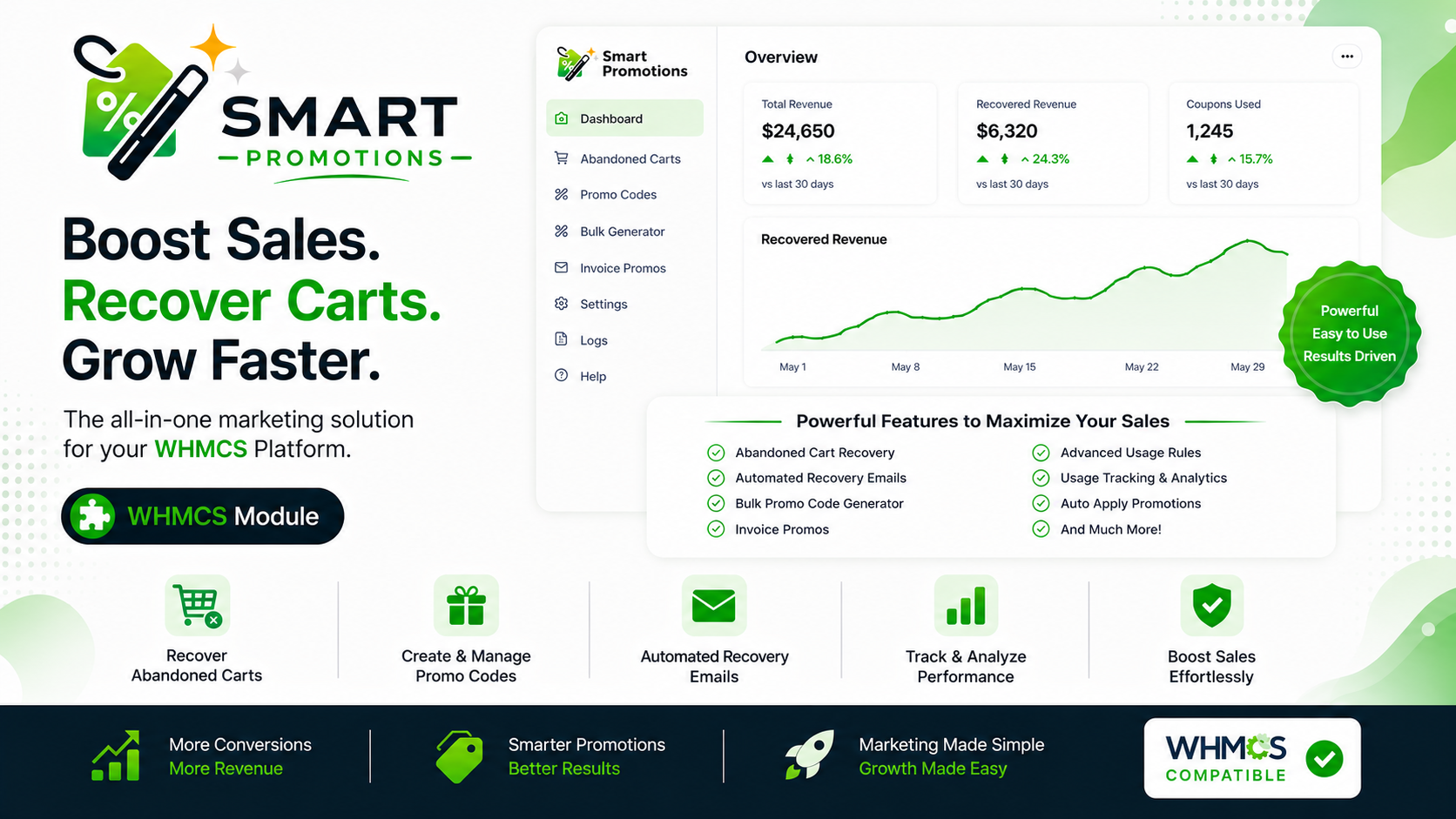
Smart Promotions is a WHMCS addon module designed to help businesses create, display, automate, and track promotional campaigns directly from the WHMCS admin area. It gives hosting providers a more organized way to manage offers, apply promo codes, recover abandoned carts, and improve customer engagement.
Make Promo Codes Easier for Customers
One of the biggest problems with traditional promo codes is that customers must manually find, copy, and apply the code during checkout. If they forget the code or miss the promotion, the discount may never be used.
Smart Promotions helps reduce this friction with Auto Apply Promos.
With auto apply rules, WHMCS promo codes can be applied during checkout automatically. This creates a smoother buying experience and helps ensure customers actually receive the promotion you want them to use.
For hosting businesses, this can be especially useful during limited-time sales, product launch campaigns, reseller promotions, or special discount events.
Promote Offers Directly on Invoices
Not every promotion happens before checkout. Sometimes, the best time to offer a discount is when a customer is viewing an unpaid invoice.
Smart Promotions includes Invoice Promo Codes, allowing businesses to display promotional offers near the invoice payment area. This can be useful for encouraging faster payments, offering renewal incentives, or giving existing clients a reason to complete an invoice sooner.
Instead of sending customers a separate coupon message, the promotion appears directly where the payment decision is being made.
Build Better Offer Pages
A plain promo code is not always enough to sell an offer. Customers often need context: what the offer includes, why it matters, how long it lasts, and what action they should take.
Smart Promotions includes public Offer Pages that allow businesses to present promotions in a more attractive and professional format.
These pages can include titles, subtitles, rich content, banners, call-to-action buttons, and formatted promotional text. This makes them ideal for advertising hosting sales, domain offers, VPS deals, module discounts, upgrade campaigns, or seasonal promotions.
A dedicated offer page can also be shared through social media, email campaigns, ads, and partner promotions.
Display Multiple Deals in an Offer Directory
For businesses running more than one promotion, Smart Promotions includes a public Promo Directory.
This gives customers one place to view available offers. Instead of hiding promotions across different pages or emails, you can display them in a clean frontend directory with offer sections, buttons, and WhatsApp contact options.
This is useful for WHMCS businesses that regularly run multiple campaigns, such as hosting discounts, domain deals, bundle offers, SSL promotions, or service upgrades.
Capture Attention with Campaign Popups
Even a great offer can be missed if customers do not see it.
Smart Promotions includes Campaign Popups that can display promotional messages inside the WHMCS client area. These popups can be used to highlight limited-time offers, new campaigns, discount codes, or cart recovery incentives.
The popup content supports rich text editing, emojis, formatting, links, and custom alignment, making it easier to create eye-catching messages without editing code.
This gives WHMCS admins a practical way to promote offers directly where customers are already browsing.
Recover Abandoned Carts
Cart abandonment is a common issue for online businesses. A customer may select a hosting plan, enter details, and then leave before completing the order.
Smart Promotions helps address this with a built-in Abandoned Cart Recovery system.
The module can track abandoned carts, capture guest emails, prefill checkout email fields, resume the original checkout action, and manage abandoned cart records from the admin area.
This gives businesses a better chance of turning unfinished checkouts into completed orders.
Send Automated Recovery Emails
Recovering abandoned carts works best when follow-up is timely and relevant.
Smart Promotions supports multiple abandoned cart recovery email steps. Admins can configure up to three optional recovery emails, each with its own timing and promo code settings.
For example, a business could send:
A friendly reminder shortly after the customer leaves checkout.
A second message with a discount incentive.
A final reminder before the recovery link or offer expires.
This type of structured follow-up can help bring customers back without requiring manual emails from staff.
Track Emails, Logs, and Campaign Activity
Promotion automation is much more useful when you can monitor what is happening.
Smart Promotions includes logs, email logs, recovery email tracking, delivery method tracking, error messages, and email previews. This helps admins understand whether recovery emails are being sent successfully and troubleshoot issues when needed.
The module also includes analytics support, giving WHMCS businesses better visibility into promotional activity and abandoned cart performance.
Instead of guessing how campaigns are performing, admins can review data and improve future offers.
Create Bulk Promo Codes Faster
Some campaigns require many promo codes. This is common for affiliate campaigns, private customer segments, reseller offers, partner promotions, or one-time-use discount campaigns.
The Bulk Promo Generator helps simplify this process by allowing admins to generate promo codes in batches. It also includes import, sample CSV, export, and recent batch history options.
This makes large promotional campaigns easier to prepare and manage.
Designed for Modern WHMCS Environments
Smart Promotions is built with modern WHMCS usage in mind.
It includes a responsive admin interface, dark mode support, configurable accent colors, improved frontend layouts, Lagom theme compatibility fixes, WHMCS 8.x support, and PHP 8.4 support.
The module also includes safer CSS scoping to reduce theme conflicts and improve compatibility across different WHMCS setups.
A Complete Promotion System for WHMCS
Smart Promotions is more than a coupon tool. It brings multiple promotional features together in one WHMCS addon module:
- Auto Apply Promos
- Invoice Promo Codes
- Campaign Popups
- Offer Pages
- Promo Directory
- Landing Links
- Bulk Promo Generator
- Abandoned Cart Recovery
- Cart Recovery Emails
- SMTP Settings
- Email Logs
- Analytics and Tracking
For WHMCS businesses, this means fewer manual steps and a more complete promotional workflow.
Final Thoughts
Promotions can play a major role in increasing conversions, recovering lost sales, and improving customer engagement. But to be effective, they need to be visible, easy to use, and properly managed.
Smart Promotions for WHMCS gives hosting providers the tools to create smarter campaigns, automatically apply discounts, display offers beautifully, recover abandoned carts, and track promotional activity from one place.
For any WHMCS-based business that wants to improve its promotional strategy, Smart Promotions offers a practical and powerful way to turn offers into real results.
Discover more from iBeeHost Blog
Subscribe to get the latest posts sent to your email.
